
What does POS mean?
POS stands for Point of Sale. It is the system used at checkout to record items, quantities, prices, discounts, payment method and the completed sale.
In a modern retail environment, POS acts as the front end of a wider business system.
What happens during one retail sale?
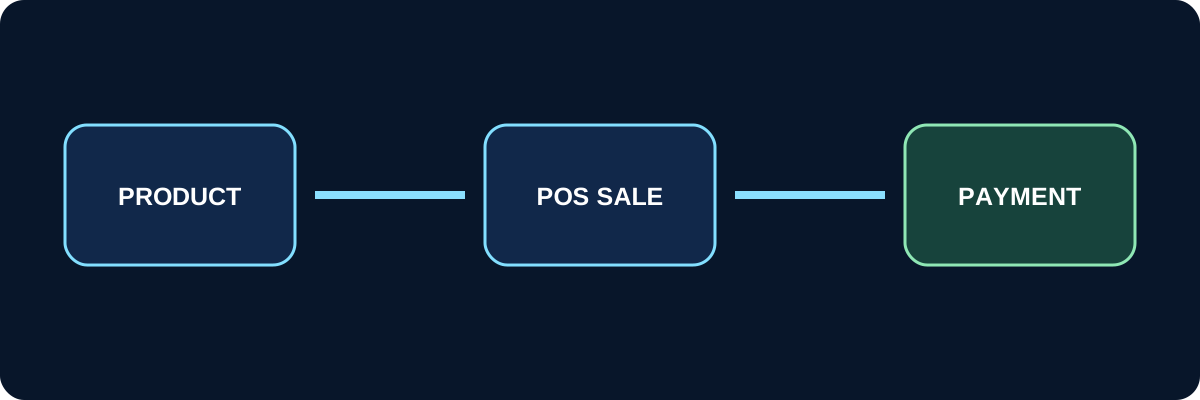
- ✓ Select the product or scan a barcode.
- ✓ Confirm quantity and price.
- ✓ Apply discounts where permitted.
- ✓ Select a customer when required.
- ✓ Record the payment method.
- ✓ Issue a receipt or invoice.
- ✓ Update sales information.
What does a cashier need from POS?
- ✓ A fast and simple interface.
- ✓ Product and barcode search.
- ✓ Discount controls and permissions.
- ✓ Multiple payment methods.
- ✓ Controlled returns and exchanges.
- ✓ Cashier shift opening and closing.
Standalone POS vs integrated retail
A standalone cashier application may record the sale but leave accounting and inventory teams to transfer information into other systems.
Integrated retail makes the sale part of the wider workflow and connects it to inventory, accounting, customers and reports.
When does a store need a proper POS system?
- ✓ When daily transaction volume increases.
- ✓ When several cashiers are involved.
- ✓ When the business has multiple branches.
- ✓ When real-time inventory visibility is important.
- ✓ When multiple payment methods are accepted.
- ✓ When daily reporting needs to be accurate.
Retail inside NOZOM .cloud
The goal of Retail in NOZOM .cloud is to make checkout part of the overall business system rather than a separate cashier application.
This creates a connected workflow from sale to inventory, accounting and management reporting.